07:30A SLOW START
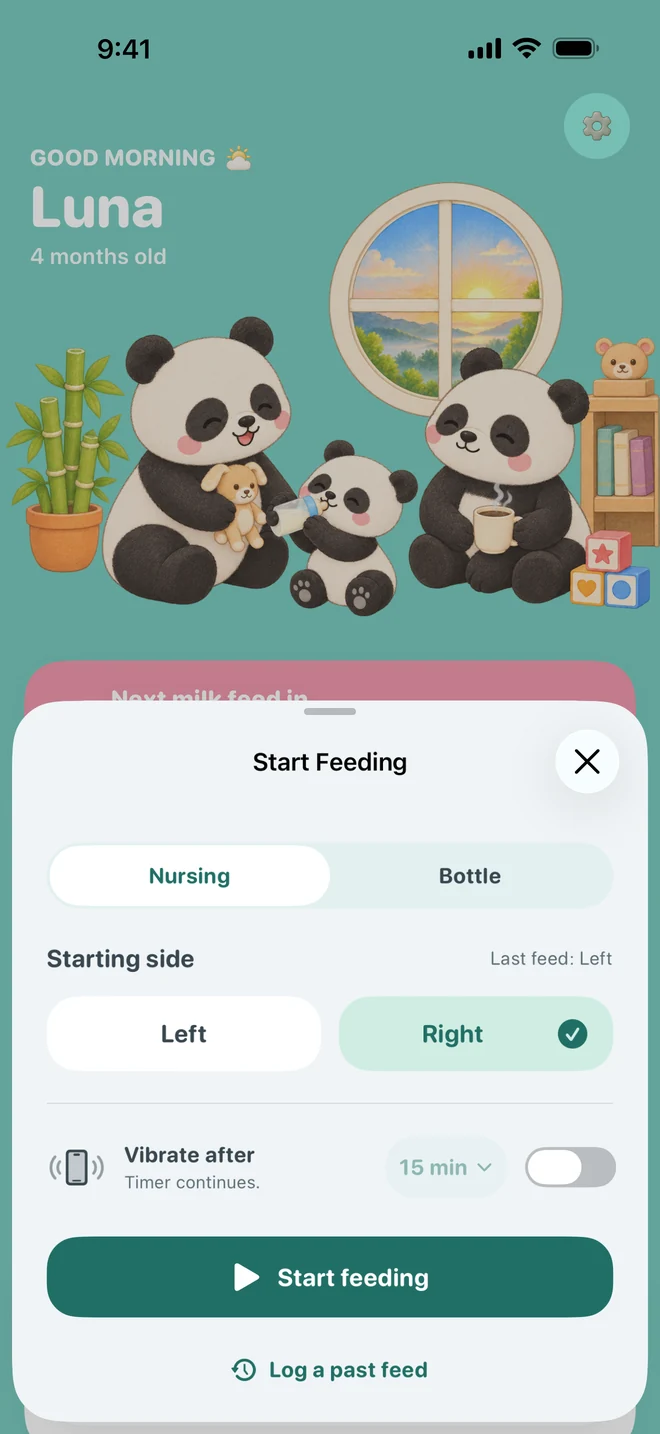
01 · Feeds
From milk to messy mouths.
Nursing, bottles, pumping, and first foods. Know what, when, and how much, kept in one simple record.
- Nursing
- Bottle
- Pumping
- Solids

 bamboo.
Got an invitation?
bamboo.
Got an invitation?
A little calm for your growing family
Feeds, sleep, and all the everyday stuff. A little help keeping track, so you can get back to being there.
No account needed to start. Share with your partner when you’re ready.
Meet your new little helper.
A sample of a day’s notes in Bamboo: a 9 minute feed on the left side at 07:30, a wet diaper at 08:05, a nap from 09:10, a bottle at 12:30, temperature, medicine and bedtime.
Sample diary · a little at a time
A day in little notes
From the first feed to the last goodnight. Jot down the little things as they happen, and keep your head a little clearer.
07:30A SLOW START
01 · Feeds
Nursing, bottles, pumping, and first foods. Know what, when, and how much, kept in one simple record.
11:45THE LITTLE THINGS
02 · Everyday care
Diapers, growth, temperatures, medicine, vaccinations, and appointments. Bamboo keeps the everyday details together, so they’re close for your next visit.
One less thing on your mind. DiapersWet, dirty, both
 GrowthWeight and length
 MedicineWhat and when
13:15YOUR TURN, MY TURN
03 · Shared care
Invite your partner and share the same picture of your baby’s day. You can both add, edit, and remove entries, and a small note shows who added what.
An account to share. Not to start. Already have an invitation?19:30WINDING DOWN
04 · Sleep
Time a nap as it happens, or add it when you have a moment. Then look back at how their sleep changes over time.
Getting to know their little rhythm.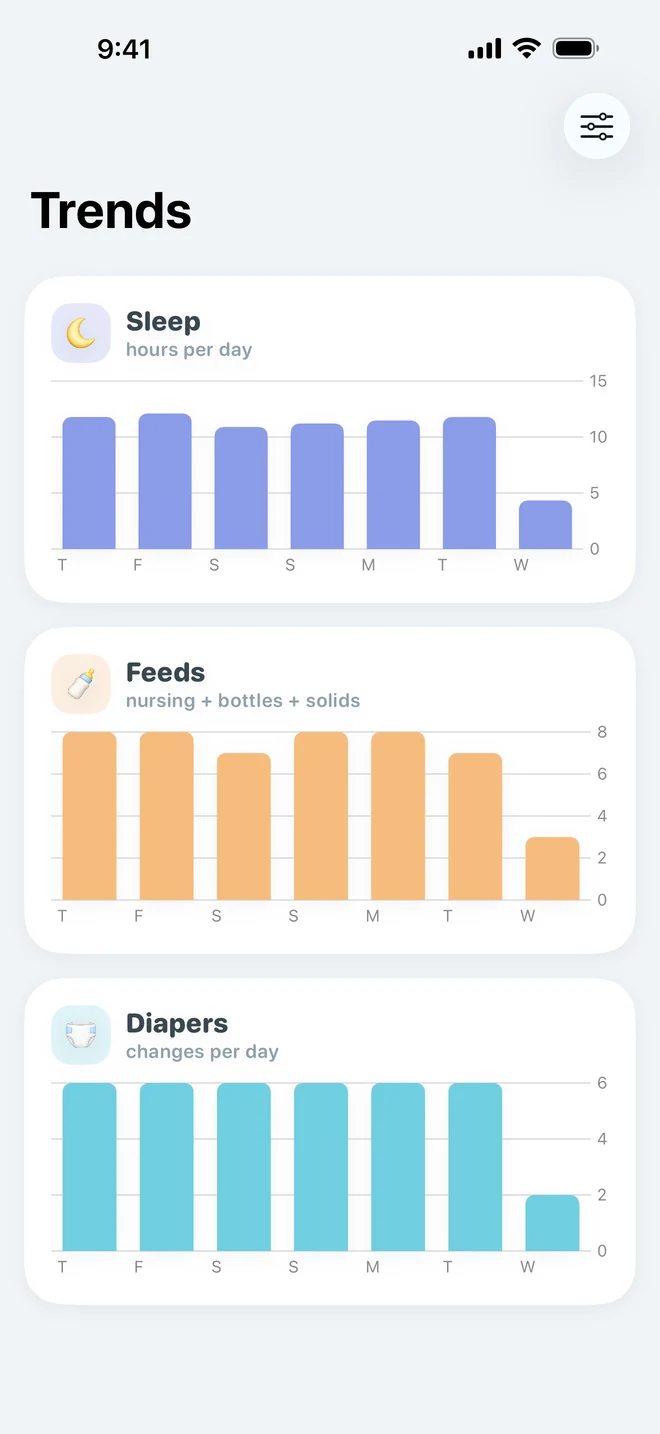

Tomorrow: a fresh page.
A few pages earlier
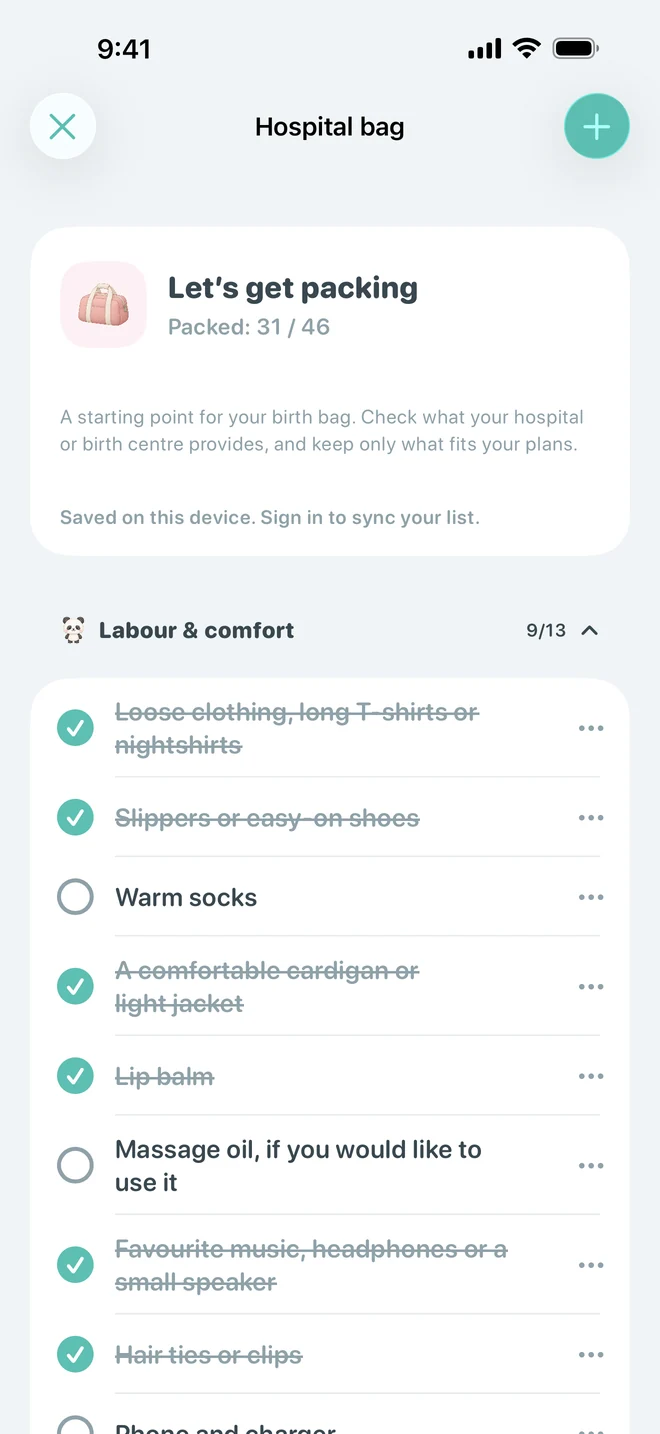
Get the hospital bag ready, keep useful preparations close, and time contractions when the day comes. Afterwards, your prenatal tools stay tucked away on Home.
Contractions, timed one by one

Designed around your family
Keep logging when life takes you away from a connection. An optional account adds sync.
Invite someone you trust. The family admin manages invitations and can remove access.
Clear details, friendly little pandas, and room to find your own family’s way of doing things.
A little invitation to your team
Got an email from your partner? The invitation is accepted inside the Bamboo app.
Emails come fromaccounts@trackwithbamboo.com
Already have the app? You’re ready for the next step.
The public download link will be added here when available.
Create an account or sign in with the address that received the invitation. Verify your email if prompted.
Go to Settings → Account → Family and accept the invitation. You’ll both be able to add, edit, and remove family data.
A few little answers
Short notes on the questions parents ask first.
Feeds, sleep, diapers, growth, temperatures, medicine, vaccinations, and appointments. Bamboo keeps the everyday details together so they are easier to find.
Yes. Tracking works on your device without an account, including when you’re offline. Create an account when you want to sync your data or share care with a partner.
After accepting your invitation, your partner has full access to your shared family’s records. Both of you can add, edit, and delete entries. As the family admin, you can invite or remove your partner.
Bamboo keeps your private family separately and opens the family you joined. The records aren’t merged. If you leave or your access is removed, your private family is restored. Entries you added to the shared family stay there.
Invitations expire after seven days. Ask the family admin to resend the invitation if it has expired. You’ll need to sign in with the same email address that was invited.
Absolutely. Add your due date to explore prenatal tools, prepare your hospital bag, and time contractions. Once your baby’s due date arrives, the regular Home view keeps these tools in a collapsed section so you can revisit them.
For your family’s everyday
The download link will appear here when Bamboo is available.
Goodnight, little one.